Shake to Transfer Apps
Next HiCar supports shaking your phone to transfer apps from your phone to the vehicle screen.
Setup Methods
You can enable Shake to Transfer Navigation using any of the following methods:
Go to your phone's "Settings > Multi-Device Collaboration > HUAWEI HiCar", tap the connected device under "My Devices", and turn on the Shake to Transfer Apps toggle.
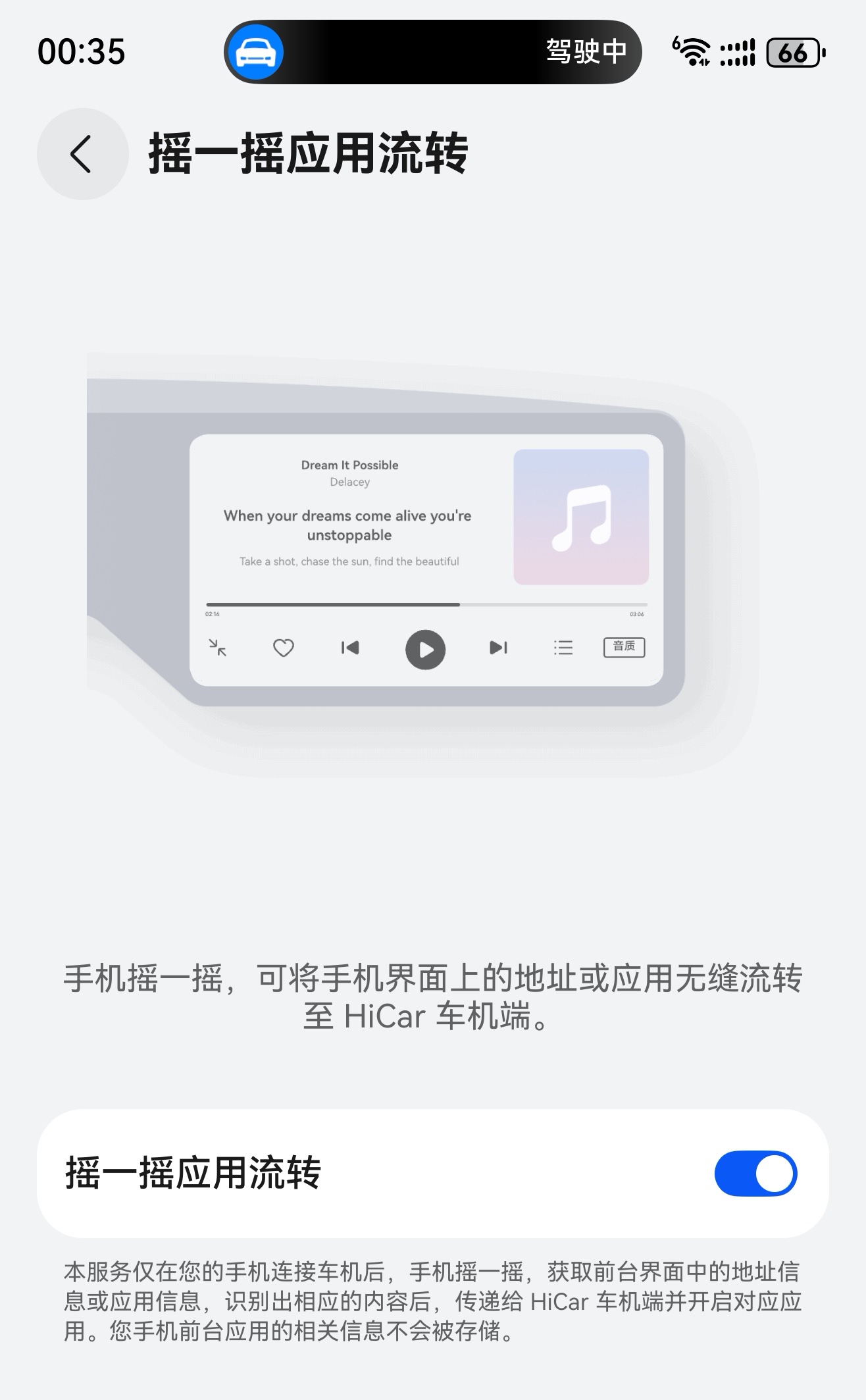
After connecting to HiCar, go to "Settings > Shake to Transfer Navigation" on the vehicle side and turn on the Shake to Transfer Apps toggle.
Steps
Open an app that supports Shake to Transfer Apps on your phone. The live window on your phone will display the text "Can Transfer".

A "Transfer" button will also appear in the banner notification.
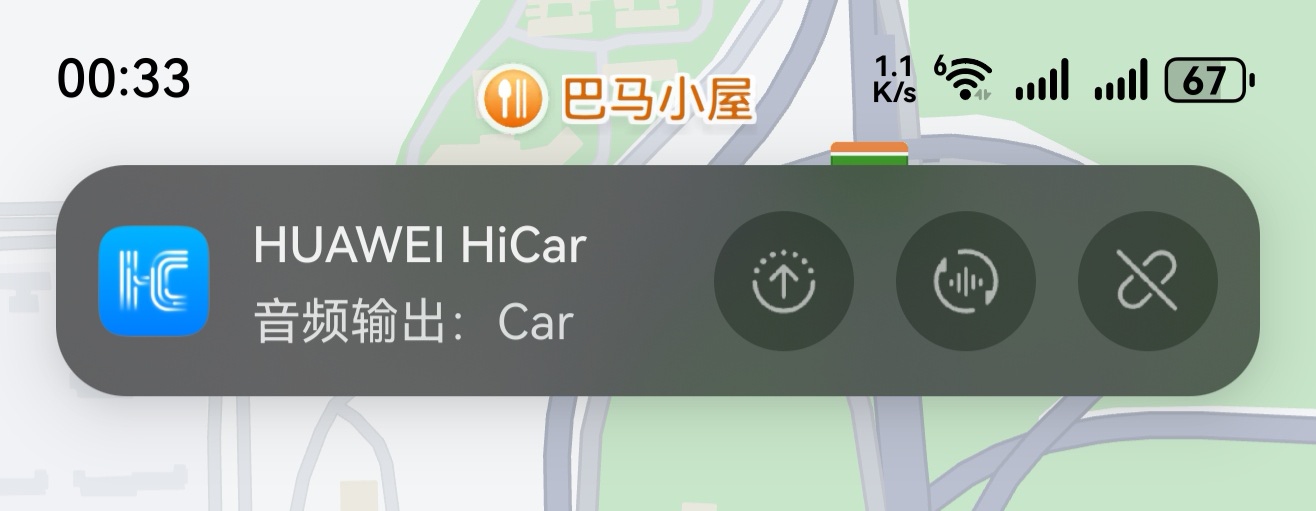
Shake your phone, and the corresponding app will automatically open on the Next HiCar vehicle screen.