Screenshot
The Next HiCar screenshot feature relies on the Driving Mode feature on your phone. If you are not yet familiar with HiCar Driving Mode, see Introduction to Driving Mode.
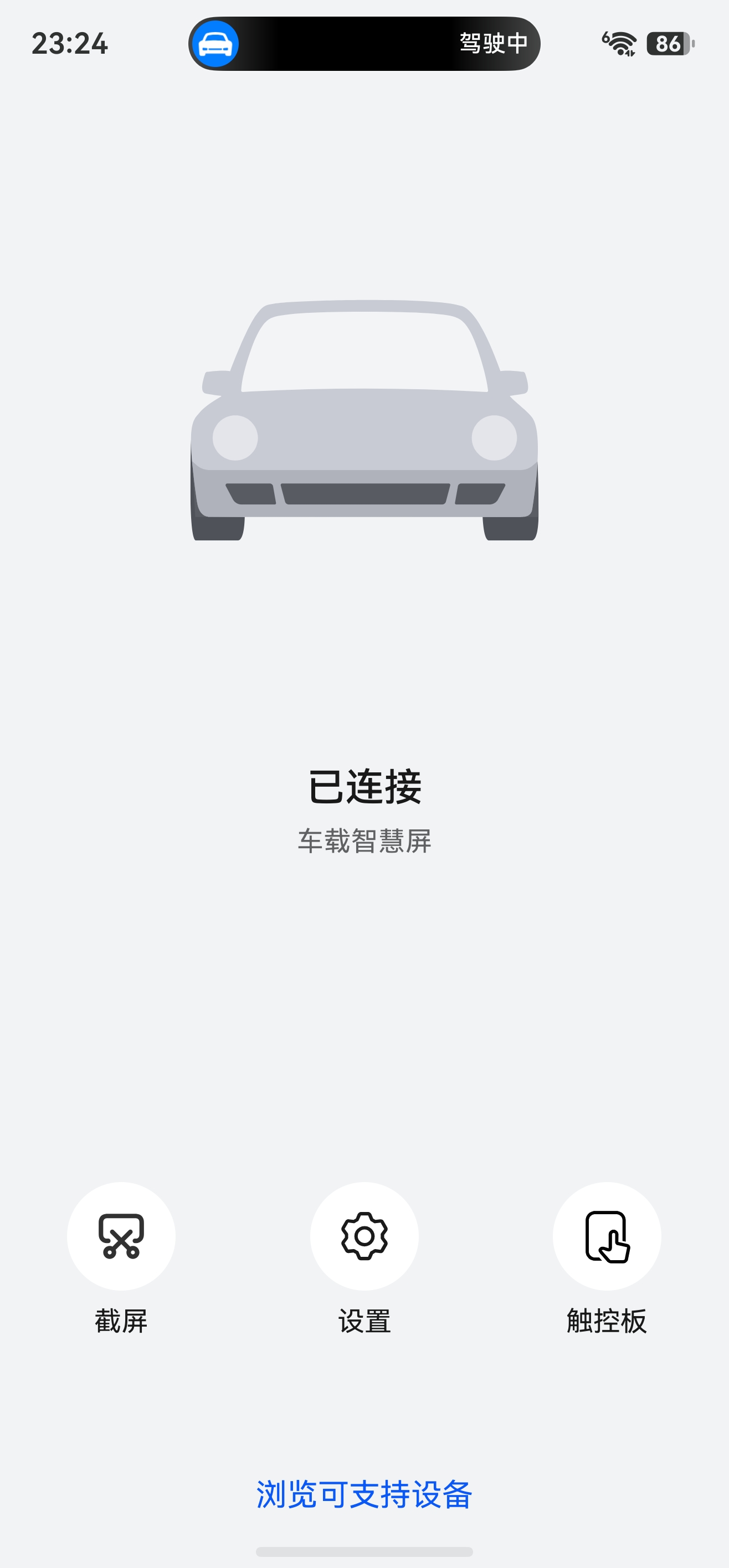
When Next HiCar is connected and you turn on Driving Mode on your phone, the Driving Mode interface turns into a Next HiCar remote control as shown below. Tap the "Screenshot" button to capture the current HiCar screen — the image is saved to your phone's photo album.
With Next HiCar connected, you can reach the screenshot feature in either of these ways:
- Tap the HiCar pop-up in the Live Window at the top of the phone screen.
- Go to "Settings > Multi-Device Collaboration > HUAWEI HiCar > Driving Mode".