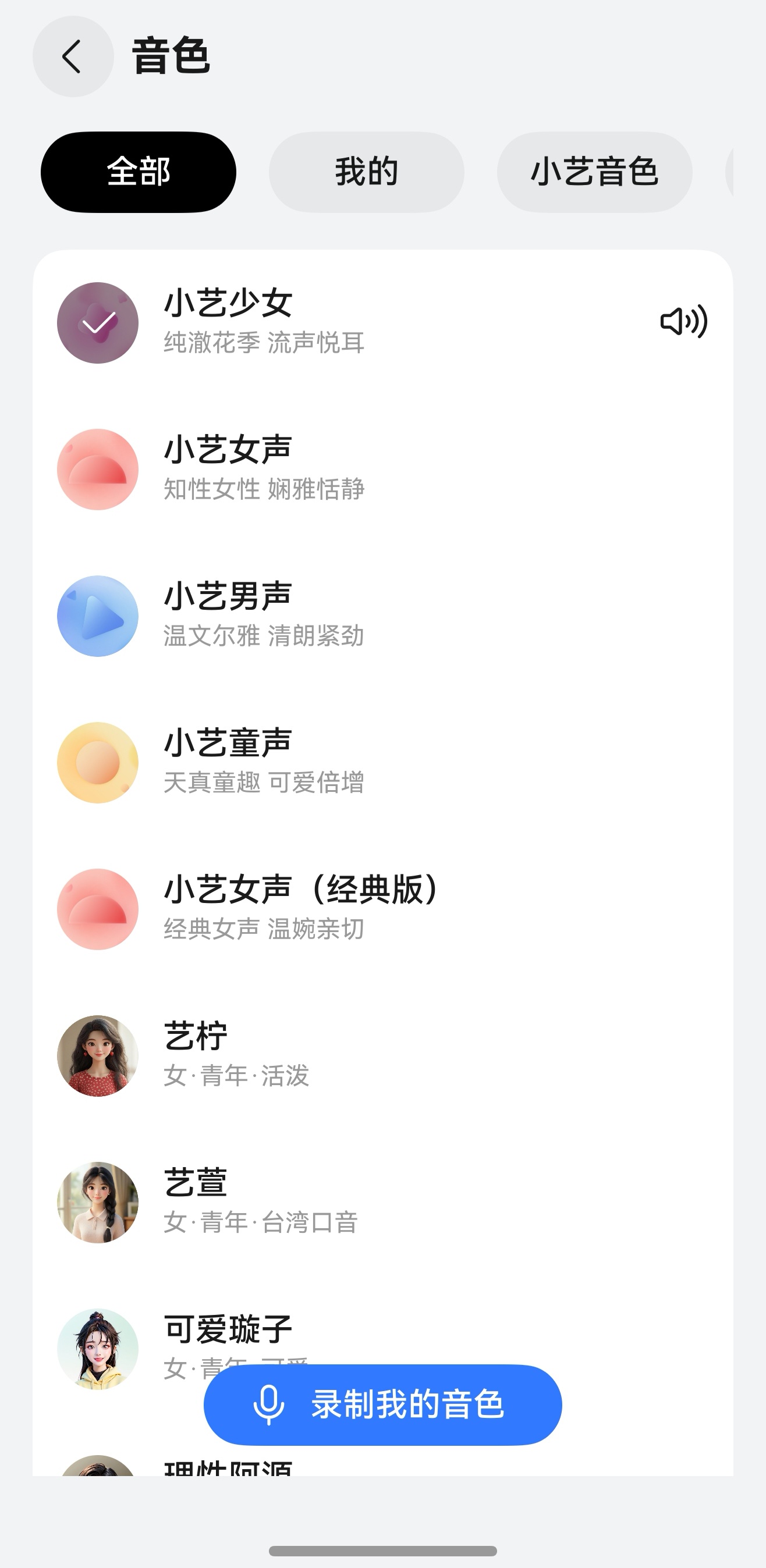
Voice Timbre (Tone)
Next HiCar's smart voice supports syncing the voice timbre settings from your phone's smart voice assistant.
You can set it up using any of the following methods:
- Wake up the smart voice assistant and say a command, for example: "Change the voice" or "I'd like to change the voice."
- Go to "Settings > Celia > Voice" and select your preferred voice. You can also tap "Record My Voice" to customize the voice by recording your own or inviting someone else to record, following the on-screen prompts.