Quick Start
Let's take 5 minutes to quickly understand HUAWEI HiCar (hereinafter referred to as HiCar for convenience. For clarity, we refer to HiCar running on HarmonyOS 5 and above as Next HiCar).
1. What is Next HiCar
Next HiCar is a phone-to-vehicle connectivity solution provided by Huawei. Once the phone and vehicle are connected, you can use apps from your phone directly on the in-vehicle system, such as navigation, music, and other applications.
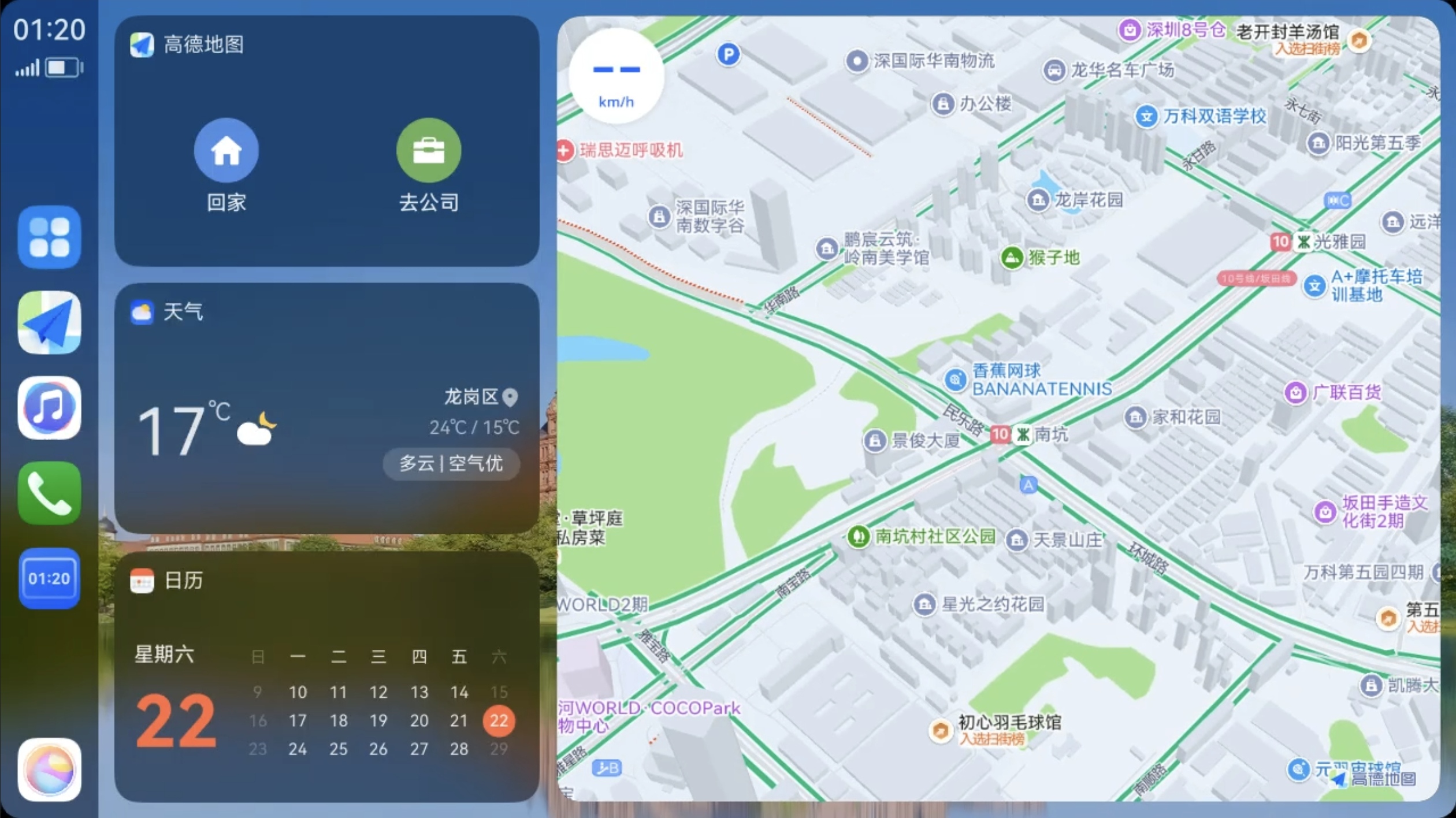
2. What Can Next HiCar Do
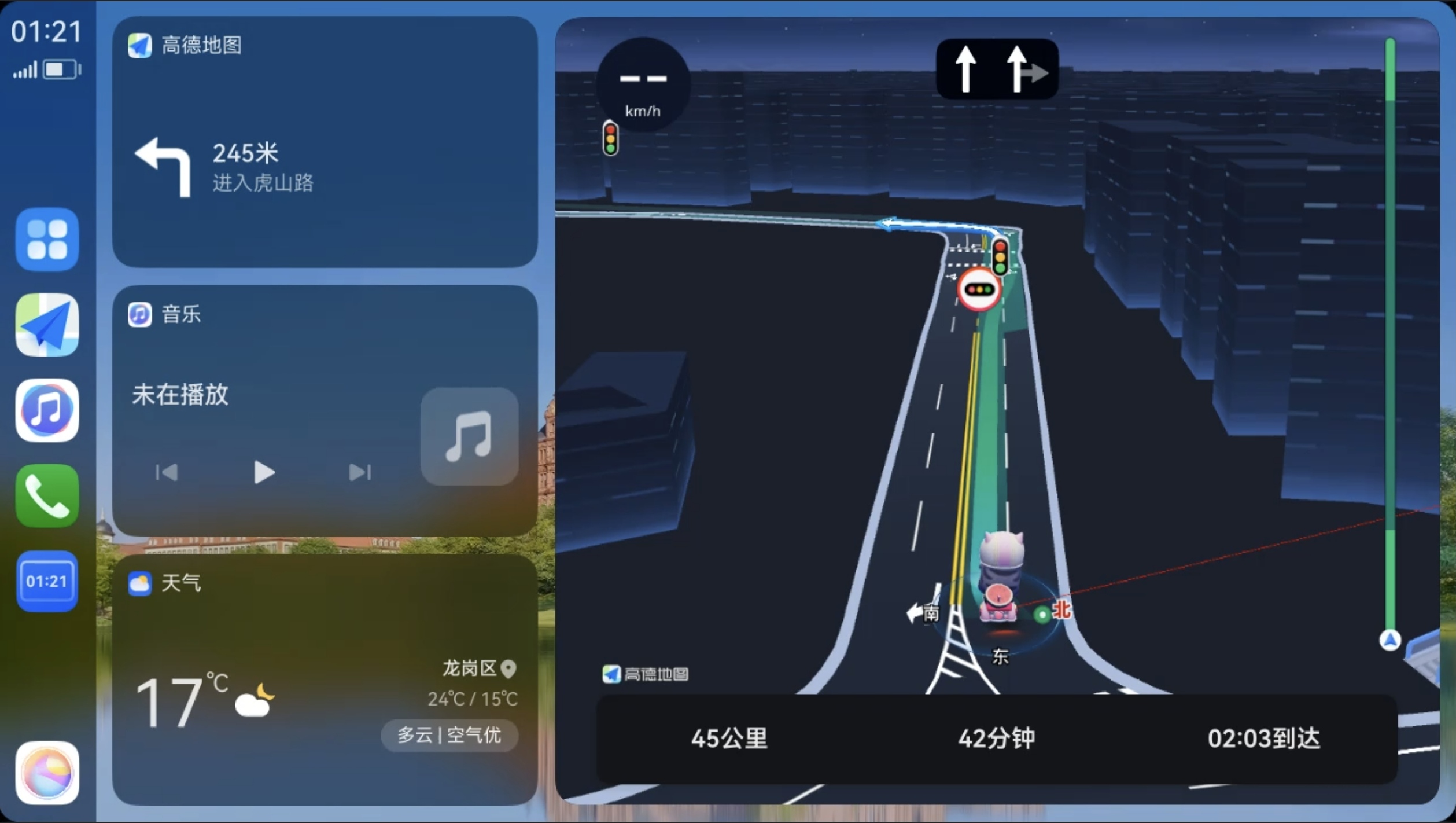
Navigation
You can use map applications installed on your phone directly on the vehicle's display, such as Amap, Baidu Maps, Petal Maps, etc.
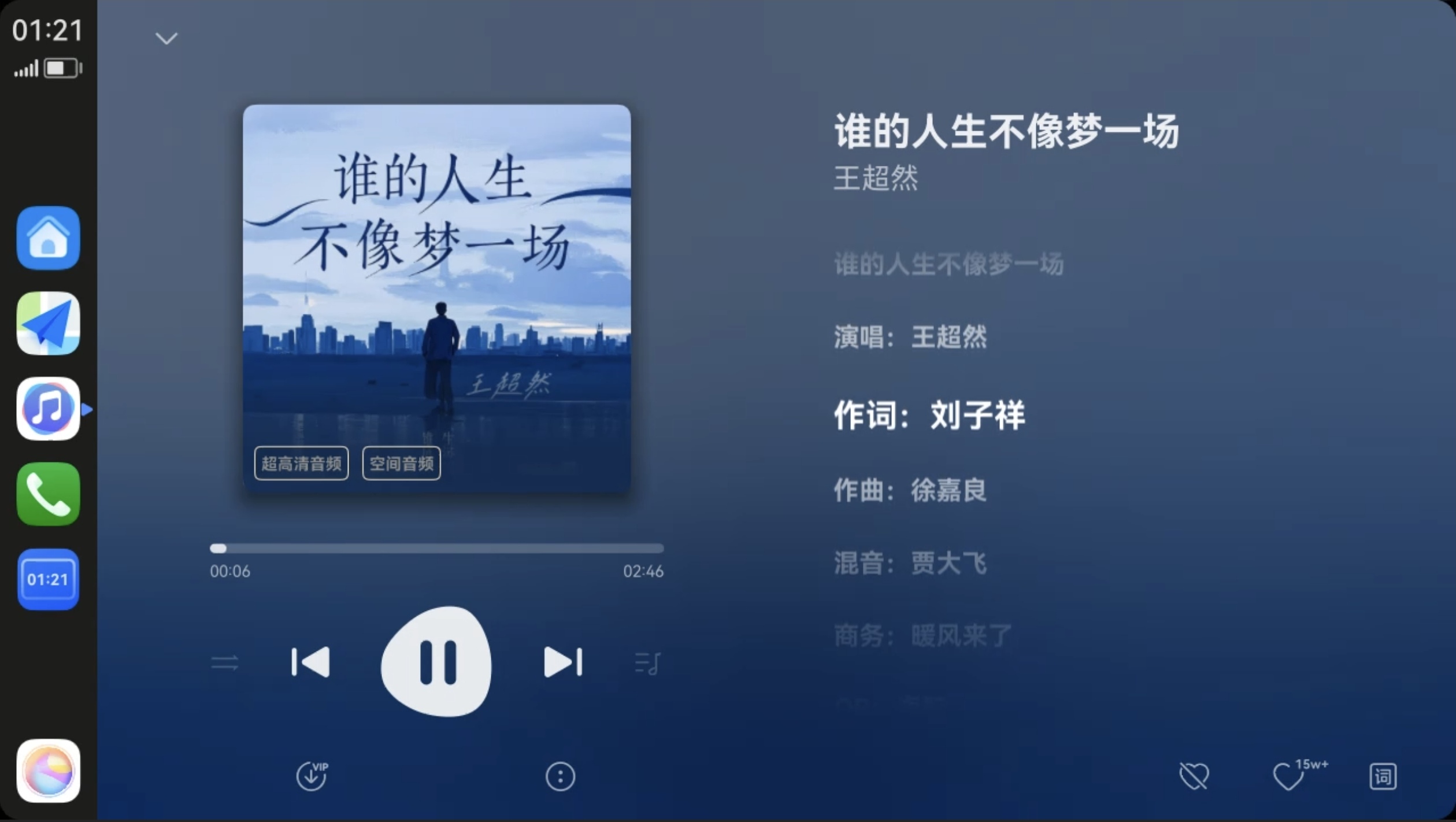
Music
You can use audio applications installed on your phone directly on the vehicle's display, such as Soda Music, QQ Music, etc.
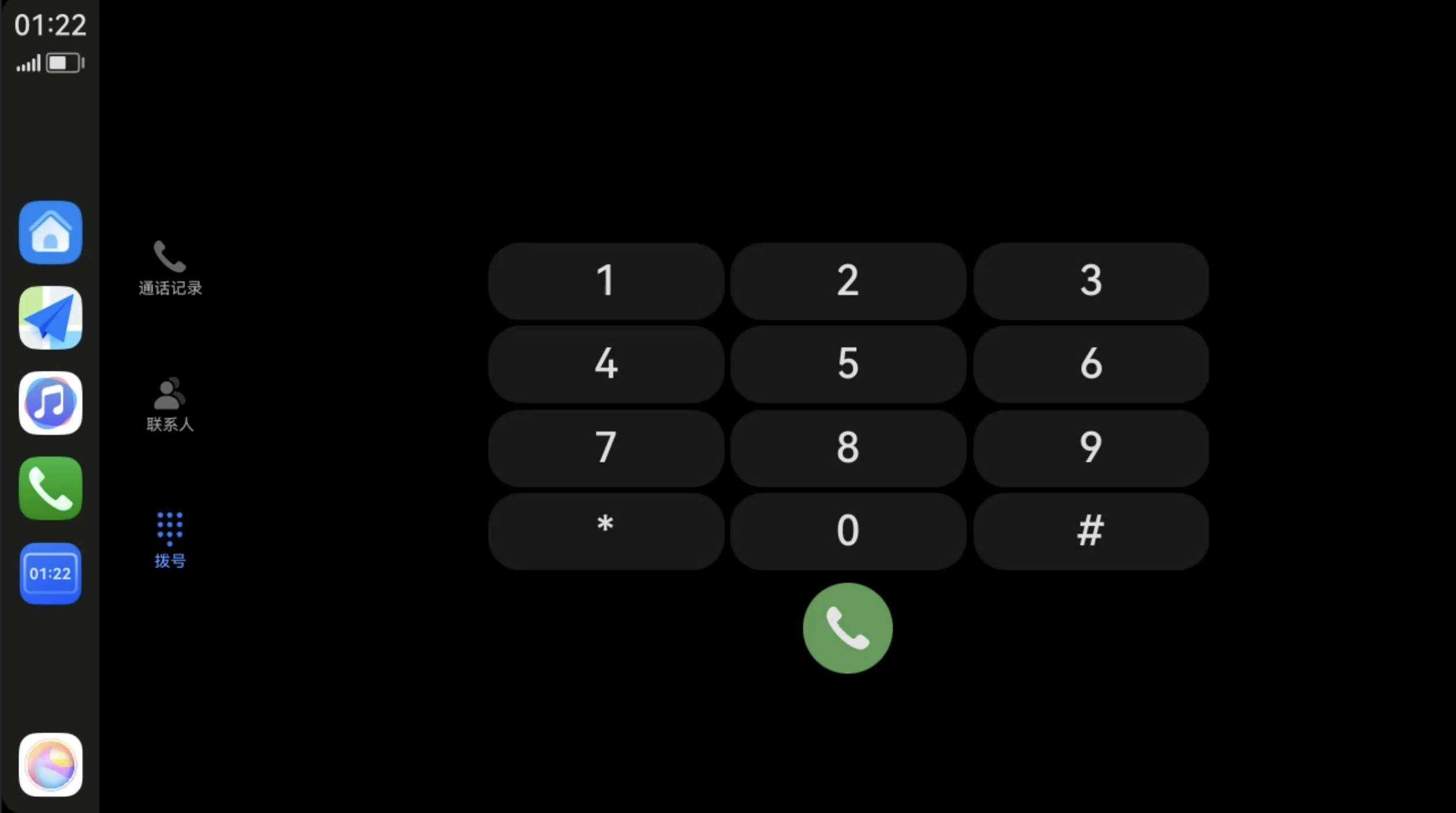
Making Calls
You can make phone calls directly using the phone app on your phone via the vehicle's display.
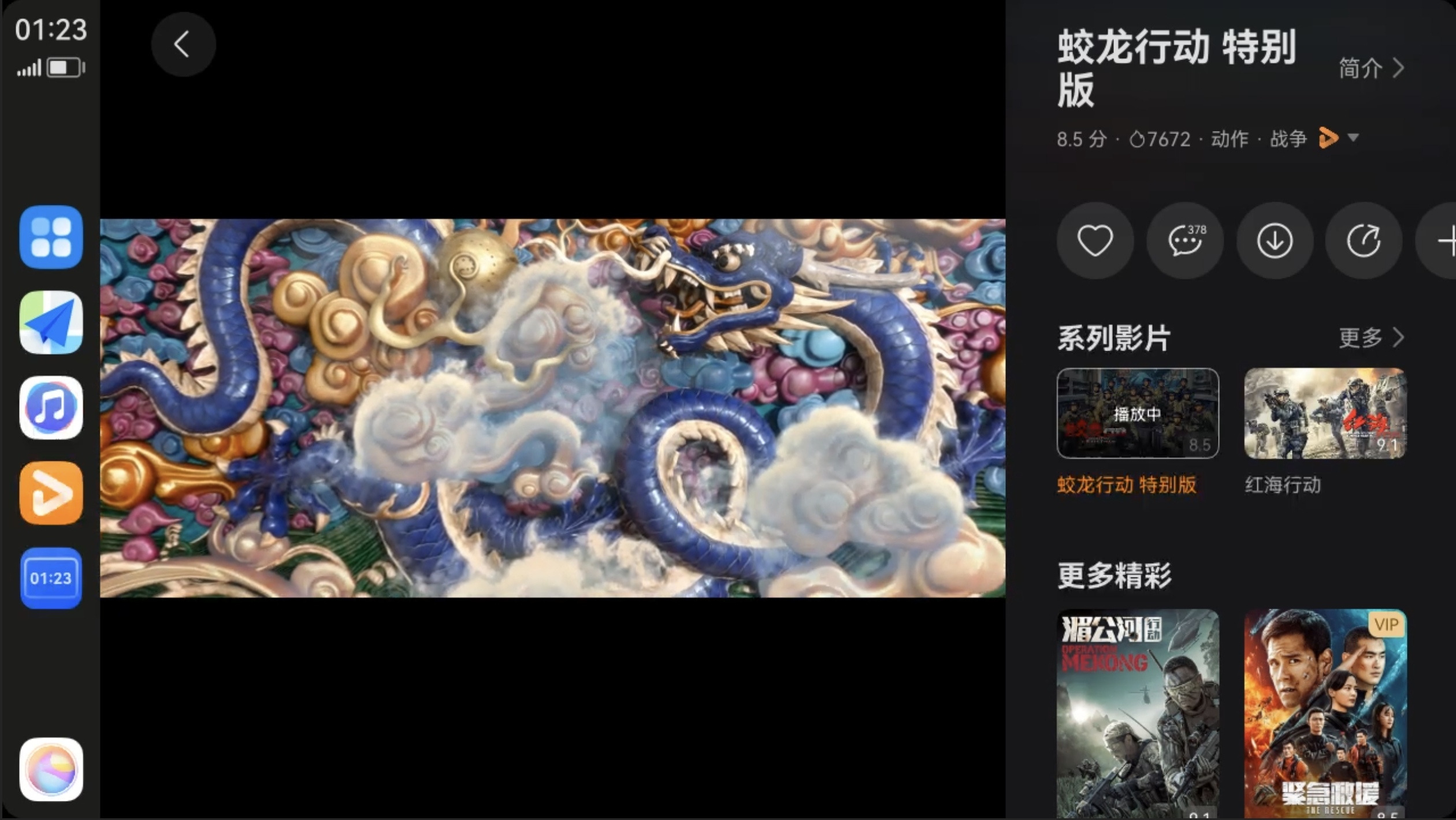
Watching Videos
You can watch your favorite video programs using video apps on your phone directly on the vehicle's display during rest stops.
Voice Control
If you find it inconvenient or unsafe to operate the vehicle's screen while driving, you can use voice commands to accomplish almost all of the above functions.
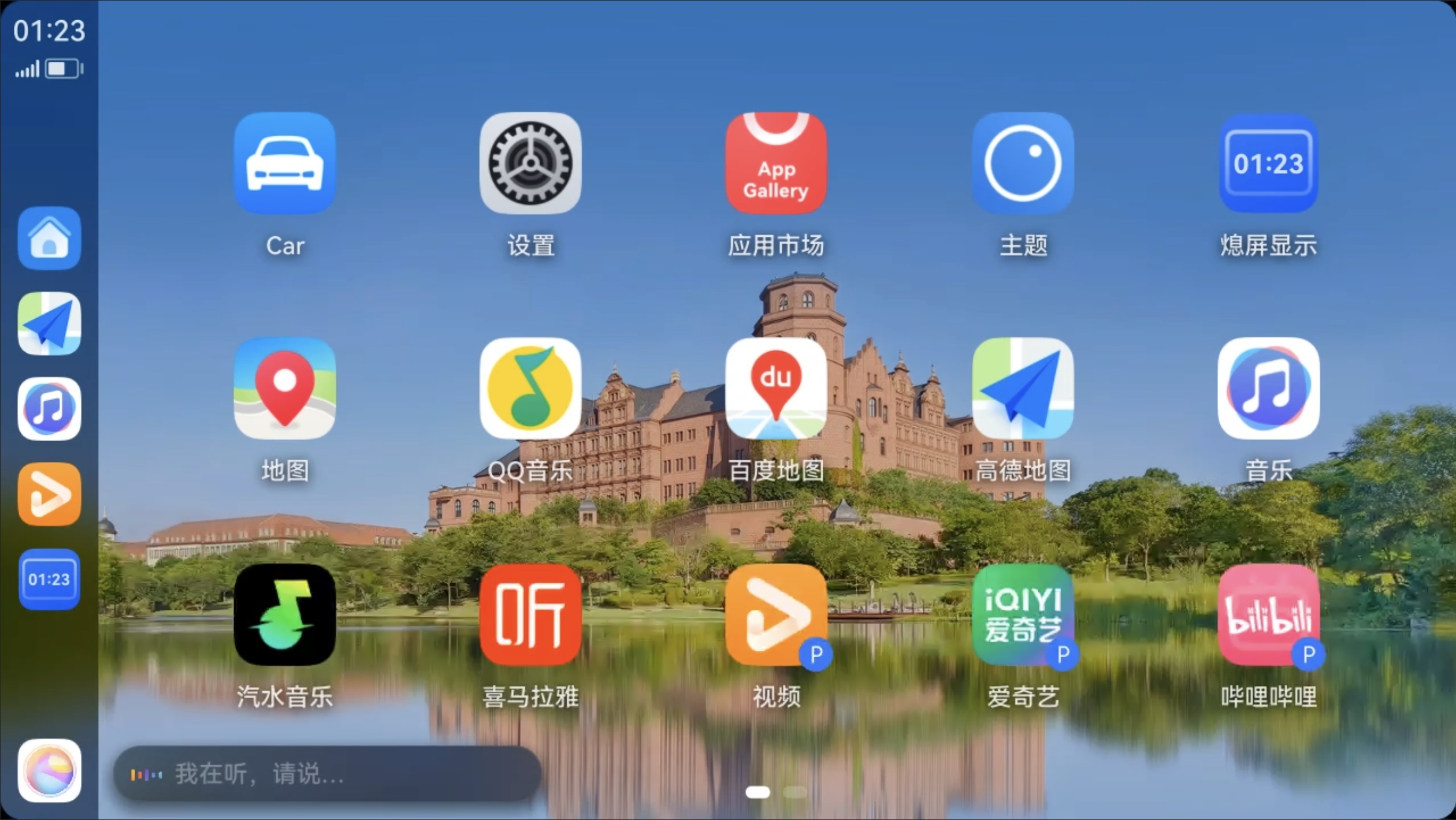
More Features
More features supported by Next HiCar are waiting for you to explore.
3. What Does Next HiCar Consist Of
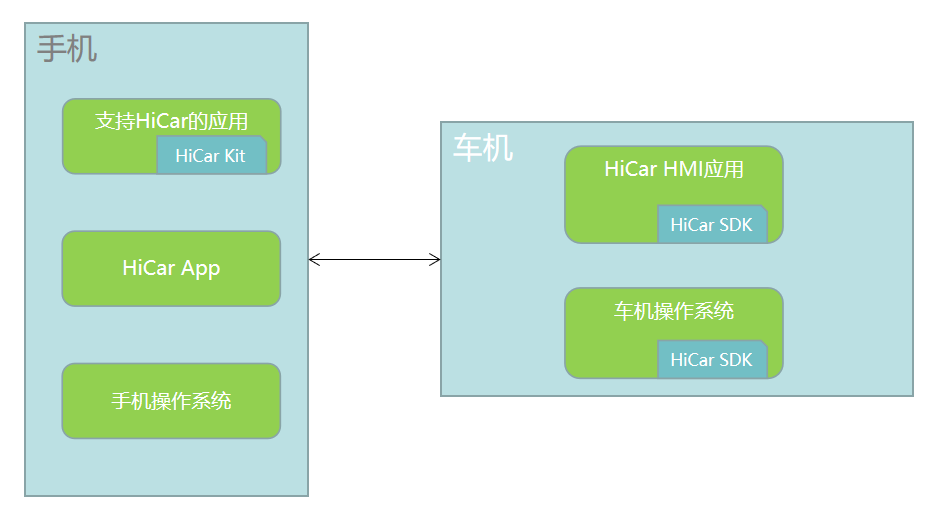
Next HiCar is a relatively complex software solution involving the application layer and system layer on both the phone side and the vehicle side. Because it involves underlying system capabilities, on both the phone side and the vehicle side, it is not possible to simply install software to make a phone or vehicle that does not originally support Next HiCar become Next HiCar-compatible.
Phone Side
First, on the phone side, the most直观 thing we see is a Next HiCar App on the phone.
Second, somewhat counterintuitively, after connecting Next HiCar, the apps you see on the vehicle — such as Amap, Soda Music — do not need to be installed on the vehicle. They are installed on the phone.
Third, the system-level parts of the phone are often imperceptible to us. Next HiCar's normal operation must rely on certain underlying system capabilities of the phone. Therefore, not every phone can support Next HiCar.
Vehicle Side
The vehicle side is less visible. Its main function is to open up the connection channel with the phone side on the vehicle, providing the phone with methods to use the vehicle's screen, speakers, and other hardware.
We will explain Next HiCar's technical architecture in more depth in subsequent chapters. Stay tuned.
4. How to Use Next HiCar
To use Next HiCar, in short: use a Next HiCar-compatible phone to connect to a HiCar-compatible vehicle and use Next HiCar-compatible apps.
There are three conditions:
First, Next HiCar-compatible apps are relatively easy to obtain. Once you know which apps support Next HiCar, simply go to the app store, download, and install them on your phone. We cover this in a later chapter. For details, see Obtain Apps.
Second, Next HiCar-compatible phones — specifically those supporting Next HiCar on HarmonyOS 5 and above — are exclusively Huawei devices, as currently no other phone manufacturer supports HarmonyOS 5 and above. For details on how to check if your phone supports Next HiCar, see Check Phone.
Third, HiCar-compatible vehicles (no need to distinguish whether it is Next HiCar; vehicles that previously supported HiCar can be connected using a Next HiCar-compatible phone). This is more complex compared to phones. Some new cars come with native HiCar support, while older vehicles can use HiCar through a dongle solution, or through aftermarket head units, in-vehicle smart screens, or smart rearview mirrors. For details, see Check Vehicle.
At this point, you should have a preliminary understanding of Next HiCar. In the following chapters, we will expand on various aspects of Next HiCar, providing broader and deeper introductions and explanations.