Waking Up the Voice Assistant
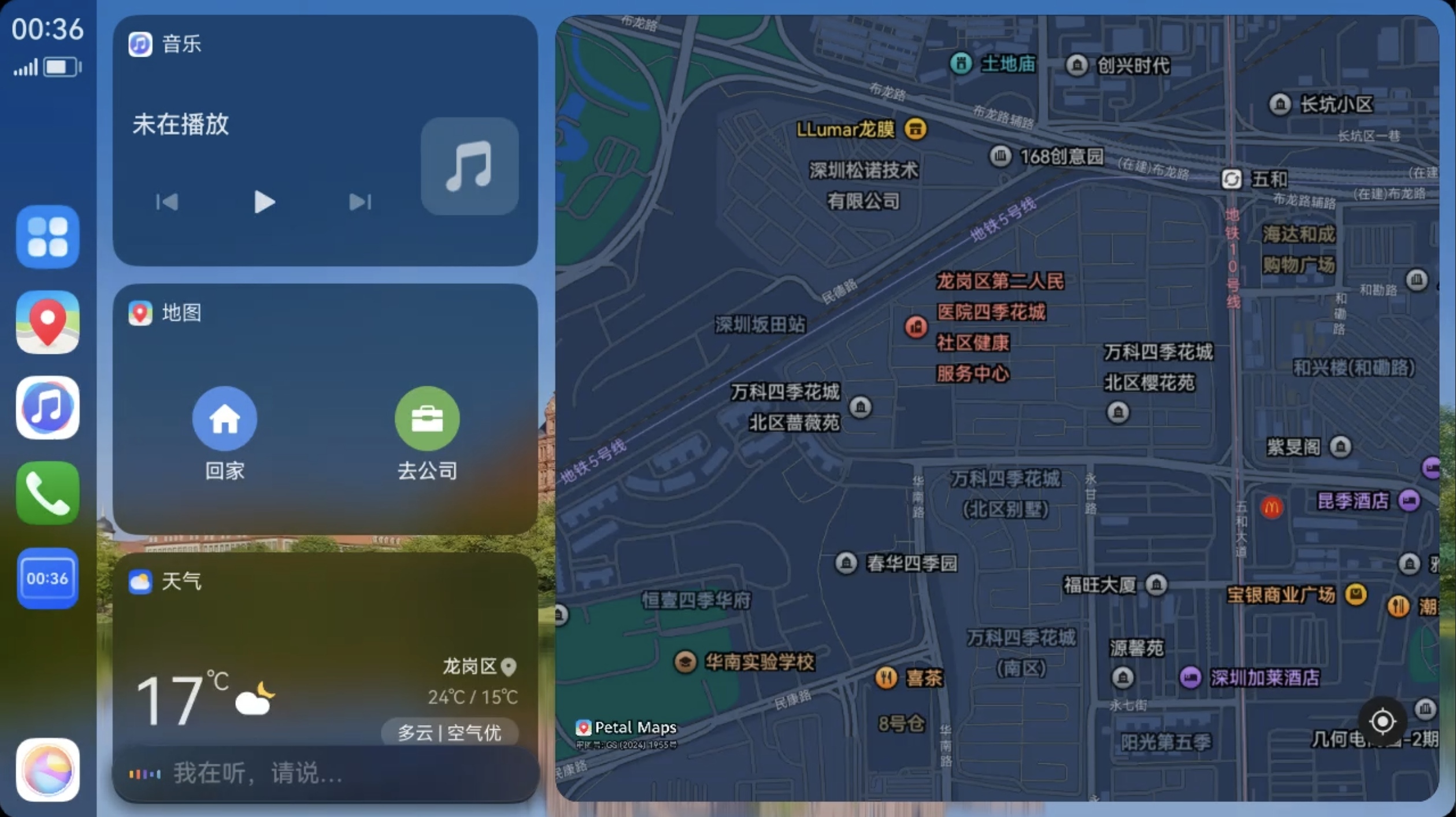
You can wake up the smart voice assistant while driving and use voice commands for navigation, playing music, and more.
You can wake up the smart voice assistant using any of the following methods:
- Long-press (or short-press) the voice button in the vehicle.
- Tap the voice ball on the vehicle screen.
- Speak the voice wake-up word directly, such as "Celia Celia" or another custom wake-up word you have set.
tip
To use a voice wake-up word:
- Before connecting to HiCar, go to your phone's "Settings > Celia > Wake-Up & Conversation" and enable the voice wake-up toggle.
- Do not block the phone's microphone.
Additionally, you can set a custom wake-up word on the phone: Settings > Celia > Wake-Up & Conversation > Wake-Up Word.