Wireless Connection
HiCar supports wireless connection and strongly recommends that all devices accessing HiCar support wireless connection. However, due to hardware limitations, some phones and car models may not be able to connect to HiCar wirelessly.
Prerequisites
Your phone supports HiCar and supports wireless connection. Only a few phones do not support HiCar wireless connection and only support wired connection. You can check phone support here: HiCar Supported Phones.
Your car model supports HiCar and supports wireless connection. The vast majority of HiCar-supported devices support wireless connection, with only a few original equipment and after-market head units supporting only wired connection.
- For original equipment and after-market head unit support, you can check here: HiCar Supported Models.
- For adapter box support, you can check the product sales detail page. Currently, almost all adapter box solutions support wireless connection, and most support wireless connection via QR code scanning.
PIN Code Connection Steps
This procedure applies to most scenarios where the original vehicle supports HiCar.
Swipe down from the top of your phone screen to open the Control Center (if running HarmonyOS, swipe down from the top-right side of the screen), and turn on Bluetooth.
Tap the HUAWEI HiCar icon on the head unit screen or long-press the voice button on the steering wheel.
 tip
tipSome car models do not support long-pressing the voice button. Please refer to actual support.
Bring your phone close to the center console screen and tap "Connect" in the popup.
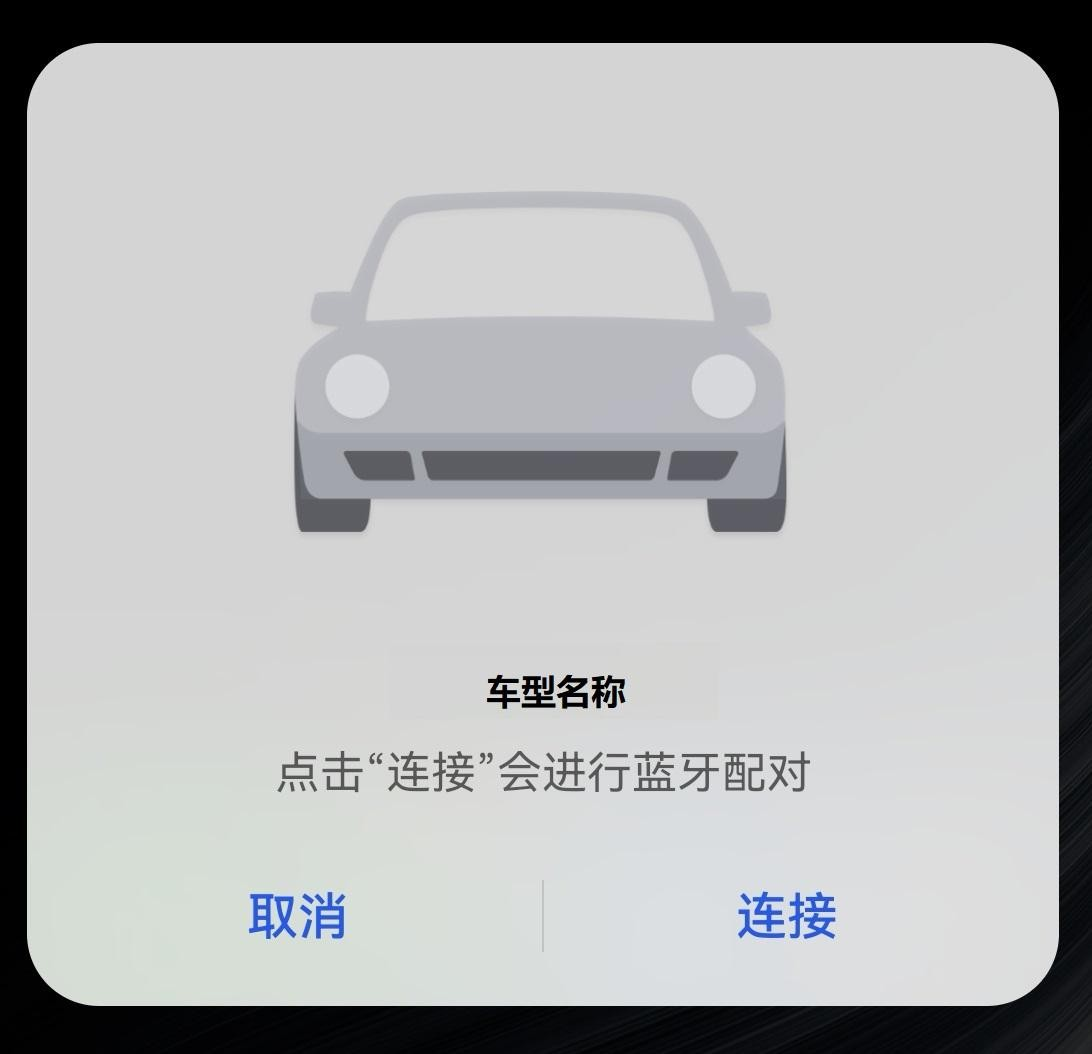
Enter the pairing code on your phone and tap "OK".
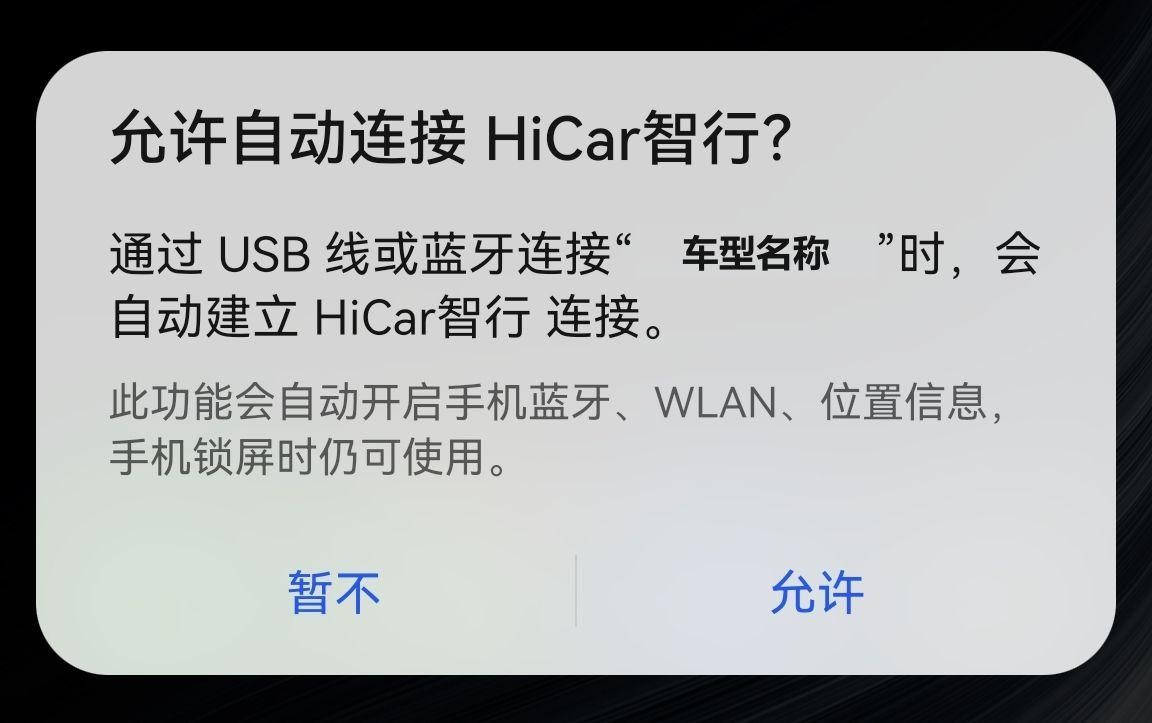
In the popup "Allow auto-connect to HiCar", it is recommended to select "Allow".
QR Code Connection Steps
This procedure applies to most scenarios where an adapter box is used with HiCar.
Tap the CarPlay or CarLife icon on the head unit screen (depending on your adapter box type) or long-press the voice button on the steering wheel. Under normal circumstances, a QR code will be displayed on the head unit screen.
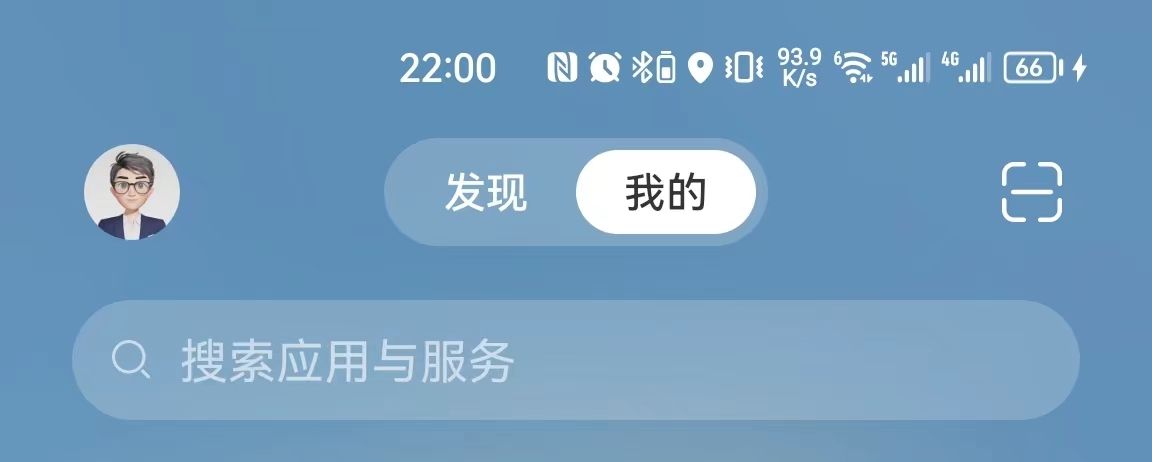
Swipe to the negative one screen on your phone, select the scan icon, and scan the QR code displayed on the head unit screen.
Tap "Connect" in the popup.
In the popup "Allow auto-connect to HiCar", it is recommended to select "Allow".