Phone Remote Control
HiCar NEXT supports controlling the HiCar interface on the vehicle side via a remote control on the phone. This feature is particularly useful for non-touchscreen vehicle head units.
When we connect HiCar, we can see the "Remote" function entry in the device management on the phone side.
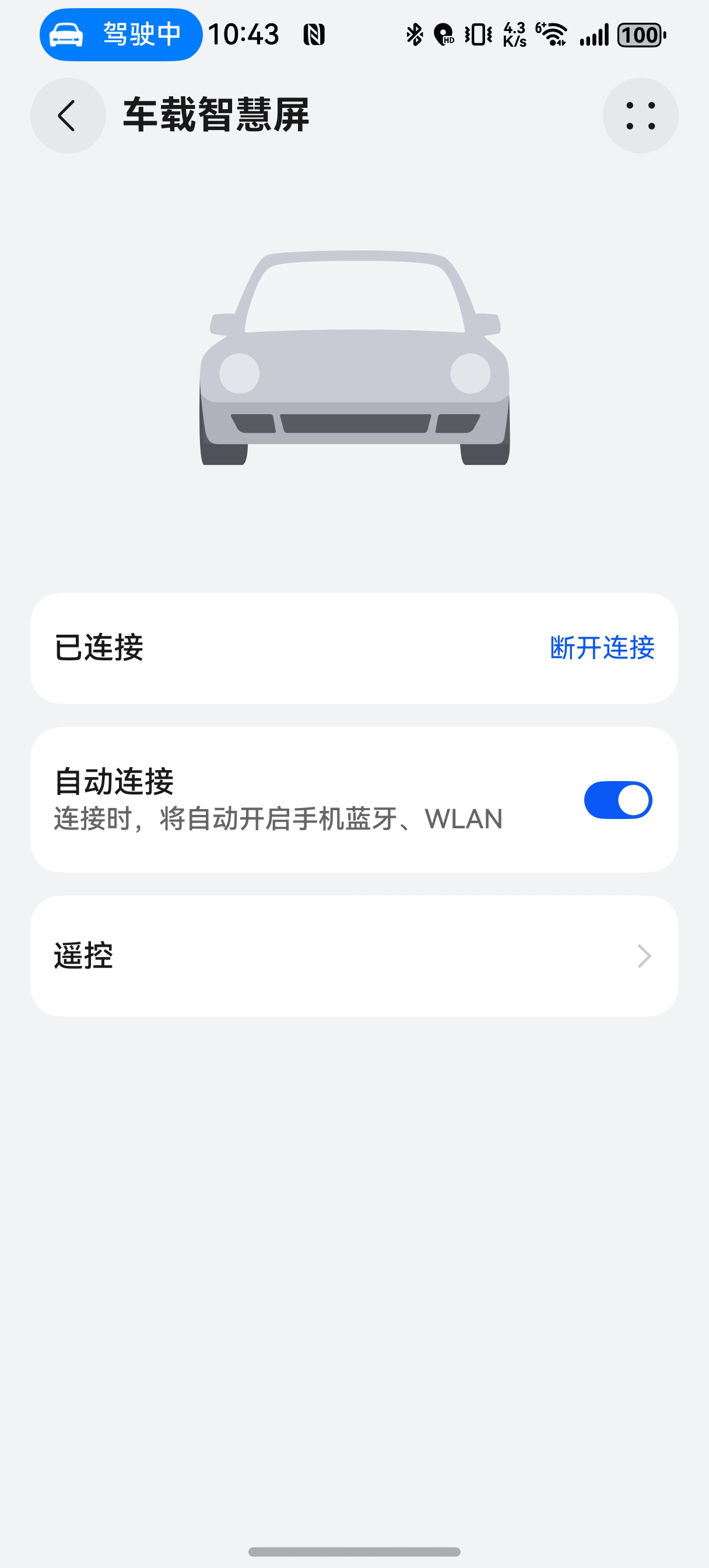
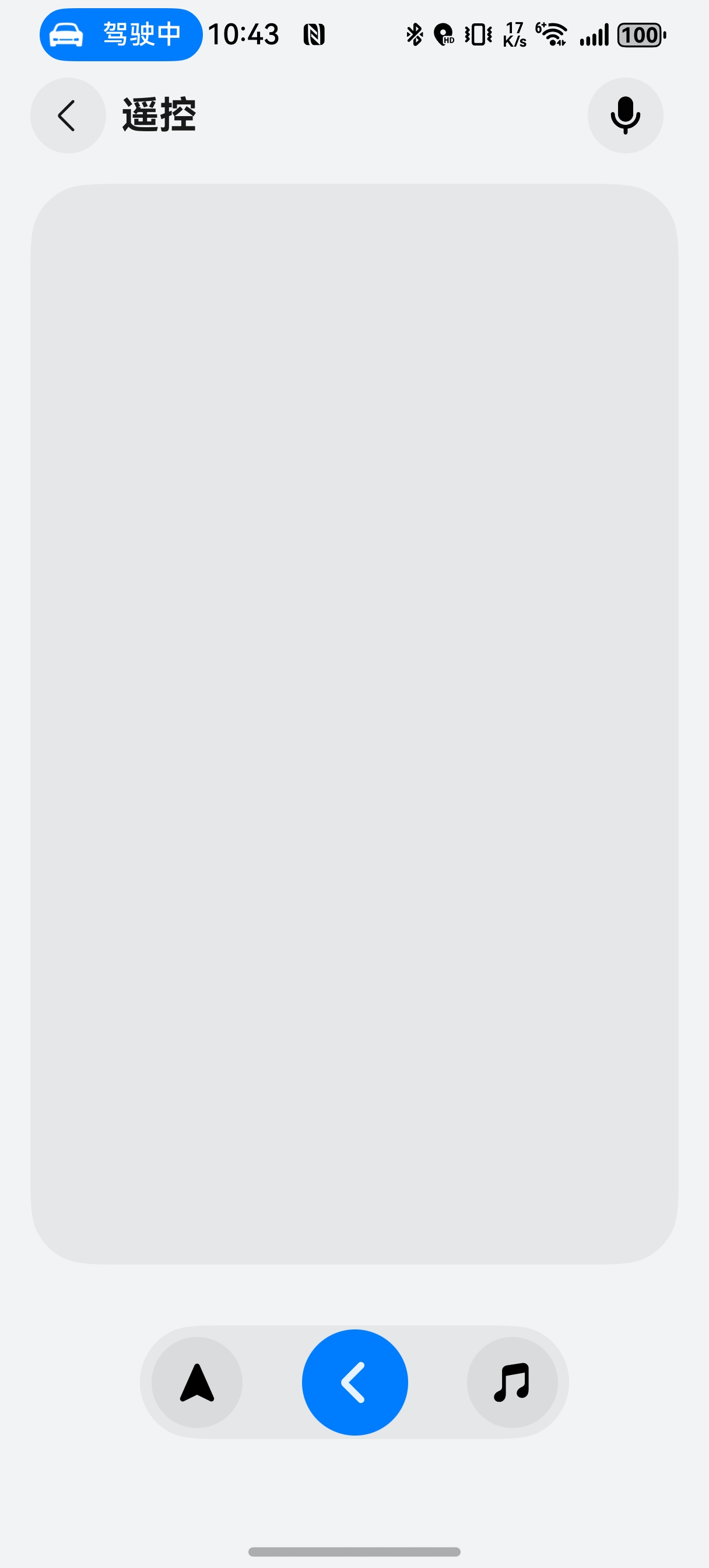
After entering the remote control menu, the following features are supported:
- Control Panel: The control panel occupies the largest area of the interface and supports swiping and tapping to simulate operations on the vehicle interface.
- Navigation Button: Tap to launch the navigation app.
- Return Arrow: Tap to go back to the previous step.
- Music Button: Tap to launch the music app.
- XiaoYi Button: Tap to activate XiaoYi voice assistant; tap again to cancel.